




Beginner-Friendly Video Lessons
Simple, easy-to-follow lessons built for complete beginners.
Learn to build and integrate with Workday Studio - free, practical, and beginner-friendly.
Learn to build and integrate with Workday Studio - free, practical, and beginner-friendly.
Take your Workday integration skills to the next level with this free Workday Studio Training course. Designed for developers, technical consultants, and integration specialists, this course introduces you to Workday Studio, the powerful development tool used to build and manage complex integrations within the Workday ecosystem.
Whether you're new to Workday or looking to expand your technical expertise, this course will guide you through the fundamentals of Studio, including its architecture, key components, and integration building blocks.
By the end of the training, you'll have a clear understanding of how to develop and manage integrations in Workday Studio - skills that are in high demand in today's Workday job market.
Complex integrations are where Workday Studio skills stand out in technical consulting.
A complete, beginner-friendly breakdown of everything included in this free Workday Studio course.
Simple, easy-to-follow lessons built for complete beginners.
A step-by-step syllabus from core Workday Studio concepts to advanced modules.
Watch curated walkthroughs directly inside the course.
Practice real Workday Studio scenarios with guided, hands-on exercises.
Check your progress with module quizzes and a final assessment.
Apply your learning through practical tasks and self-checks.
Keep study guides, cheat sheets, and reference material for later.
Get interview questions, resume tips, and career guidance.
Earn a shareable certificate that proves your Workday Studio skills.
8 sections: videos, career documents, labs, assignments and assessments.
Answer all three questions, then check your score.
Transcripts are available for video lessons.
Lesson 1 is free to preview. Create your free account to unlock the full course, including every video, assignment, lab, assessment and the final quiz.
Log in / Sign up freeWorkday Web Services are the foundation of Studio integrations. This session covers the request and response model, SOAP operations and how Studio calls a web service.
An overview of connector templates and the Studio environment. You see how templates speed up common integrations and where Studio fits for complex ones.
Studio integrations assemble and transform messages. This session explains the integration message, its parts and how data moves through assembly, mapping and delivery.
Wizards automate common Studio tasks. This session shows the available wizards and how to use them to scaffold integrations, reports and services.
Orchestration services coordinate multiple integration steps. This session covers integration and orchestration services, sequencing and how to build a multi-step flow.
Reports and integration systems are the operational side of Studio work. This session creates a custom report, views an integration system and shows how to check the results.
Watch what our learners have to say about their learning journey, hands-on experience, and career outcomes with us.

Get course details, upcoming batches, and expert guidance from our team.
Workday Studio Free Course Q&A
Kickstart your Workday Studio career with the Workday Studio Training Free Course. This free, beginner-friendly course gives you a practical foundation in integration assembly, XSLT, web services and deployment.
Use this guide to understand what Workday Studio is, what the course covers, who it is for, and how to start learning for free.
Take your Workday integration skills to the next level with this free Workday Studio Training course. Designed for developers, technical consultants, and integration specialists, this course introduces you to Workday Studio, the powerful development tool used to build and manage complex integrations within the Workday ecosystem.
The course covers integration assembly, XSLT, web services and deployment, along with career documents.
This course is built for beginners and working professionals who want practical Workday Studio skills.
Yes. You can start the full free course without paying and without a credit card.
No prior experience is required. The course starts with the fundamentals and builds up step by step.
Create a free account, open the course and start with the first video lesson.
Try a full course before you commit. Every course below starts free: real lessons, real labs, real instructors.
 WorkdayFree
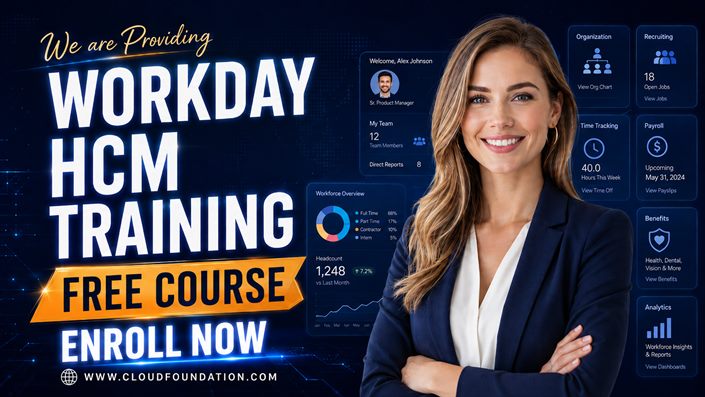
Kickstart your enterprise tech career with a free introduction to Workday HCM, tenant navigation, worker lifecycle and security.
 WorkdayFree
Learn the basics of Workday Financials with core finance tools and processes.
 WorkdayFree
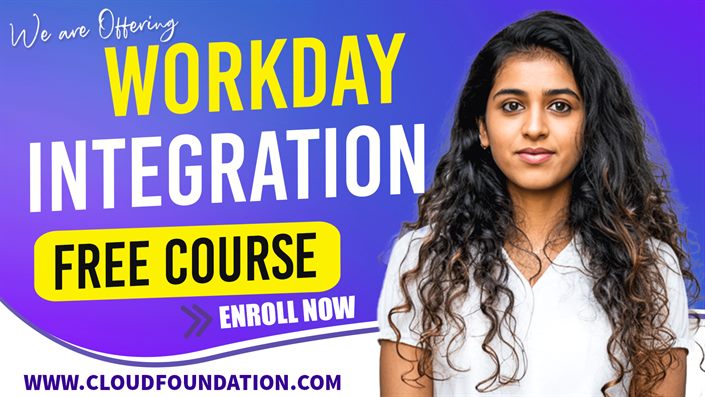
Understand how Workday connects to the enterprise with core integration concepts.
 SalesforceFree
Master personalized, data-driven marketing with hands-on Salesforce Marketing Cloud training.
 SAPFree
Jumpstart your HR career with a free SAP SuccessFactors course, no experience needed.
 SailPointFree
Hands-on training in SailPoint IdentityIQ for IAM deployment, management and compliance.
Every course starts free. Upgrade only when you are ready.
View all productsHear real learner experiences from professionals developing enterprise technology skills for a world increasingly shaped by Agentic AI.
Every CloudFoundation course ends with a verifiable certificate of completion: proof you can share with employers, add to LinkedIn, and keep for life.
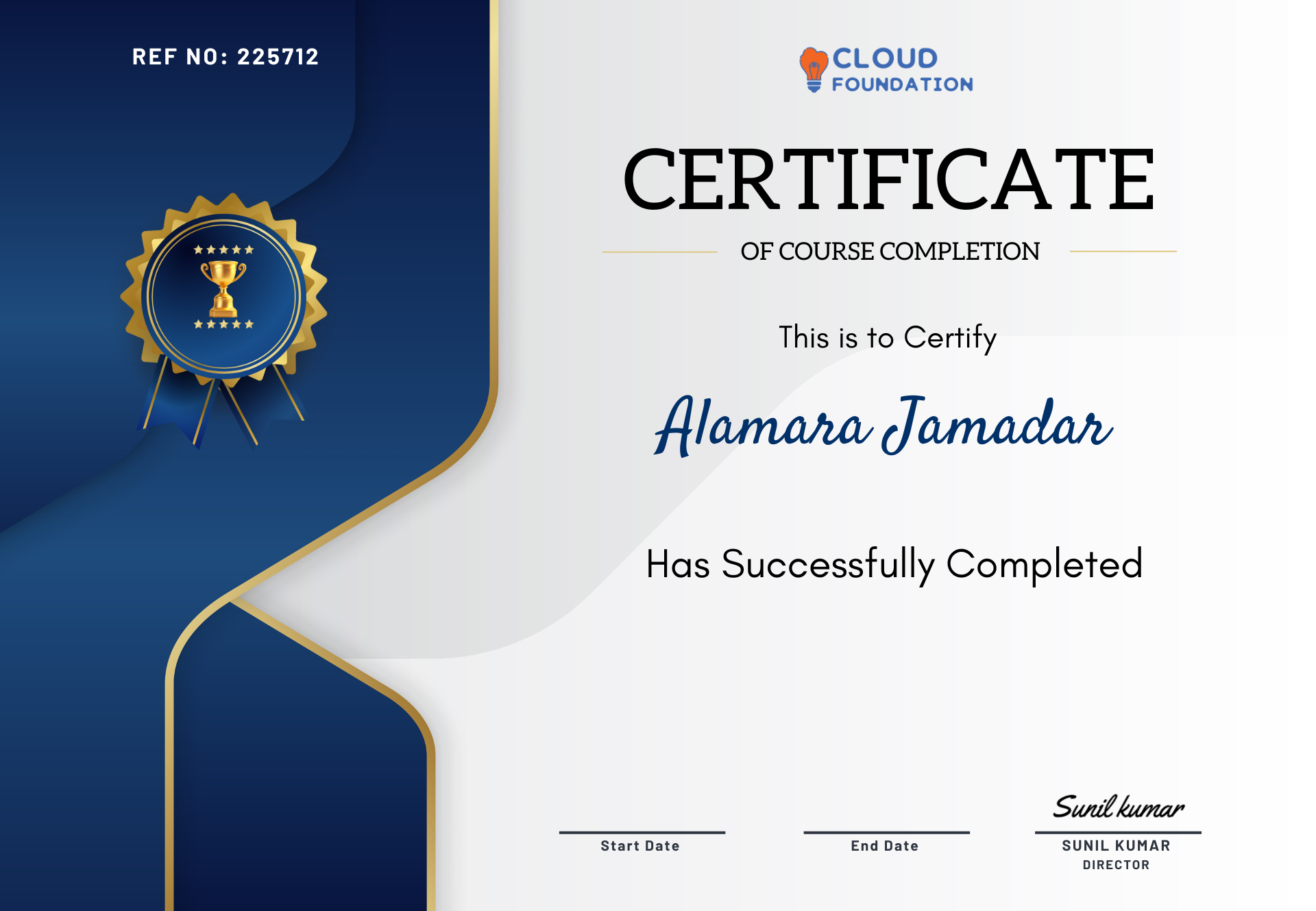
Sample certificate. Your name, course and completion date are added when you graduate.
Join 7,310+ professionals. Rated 4.9/5 across 4,019+ reviews on six independent platforms.


 4.9/5 from 4,019+ reviews